

Automation Challenges Spreadsheet-driven teams Face

Kick off workflows from emails, chats, documents, forms, events, or webhooks
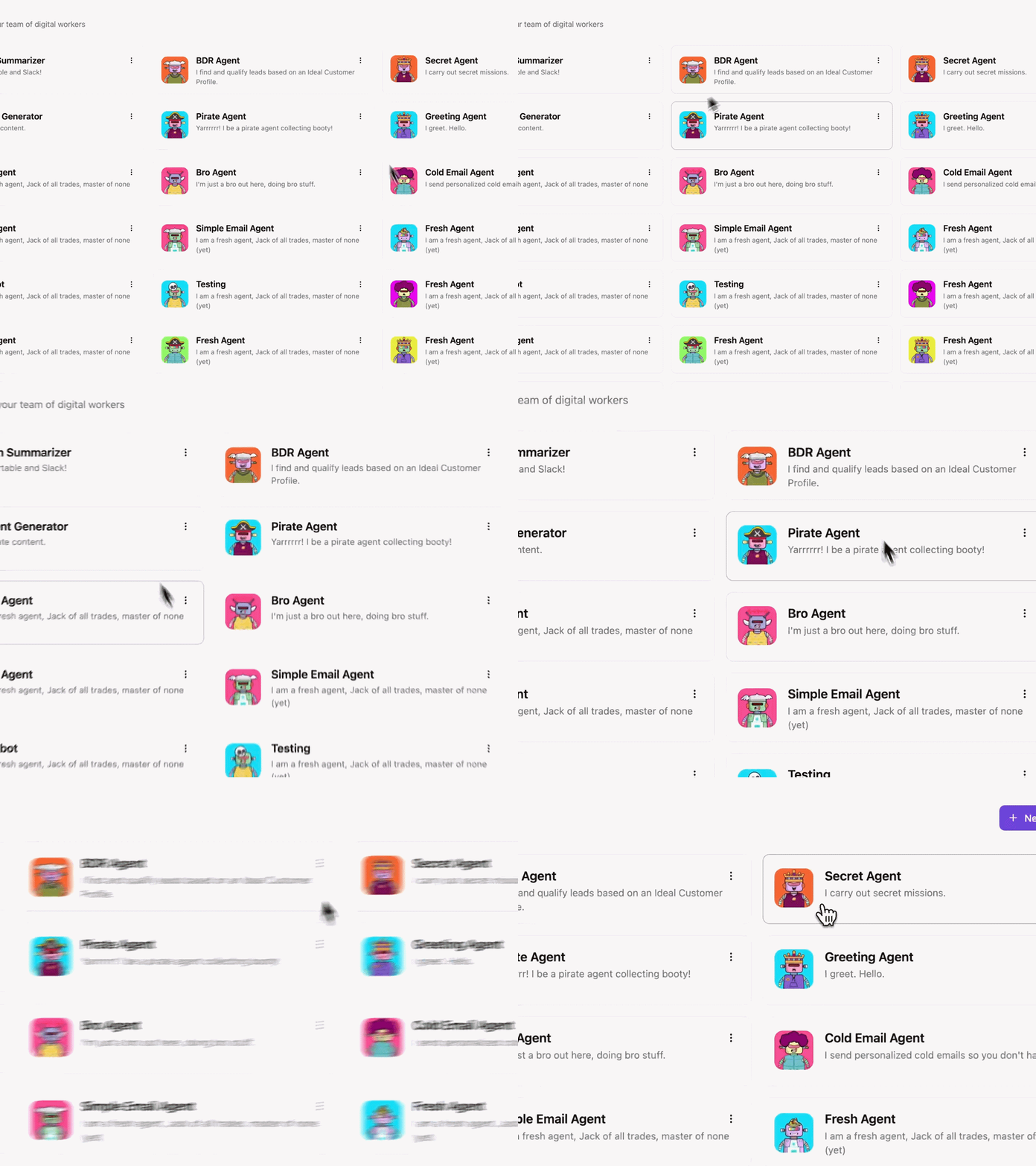
AI steps summarize activity, extract key details, and classify next action
Route by skills, language, or workload, and sync case status across systems
Hundreds of connectors spanning communication, CRMs, support platforms, and internal tools
Credentials stay encrypted.
Sensitive details never appear in logs due to data masking.
Run in our secure cloud or self-host for complete control.
Activepieces Powers Spreadsheet Automation Use Cases
Spreadsheet-driven teams use Activepieces to automate workflows such as data management, reporting, and coordination between systems.
- Syncing spreadsheet updates with project management tools
- Generating scheduled reports from spreadsheet data
- Creating notifications for data changes in shared sheets
- Transferring form submissions into structured spreadsheet records
600+ connectors without writing code
SOC 2 Type II cloud
Trusted by 100,000+ users globally
Disconnected apps slow teams down and create errors.
Activepieces fixes that by giving you 400+ integrations in one platform.


How Activepieces Supports Automation for Spreadsheet-driven Teams

Multi-Source Data Synchronization
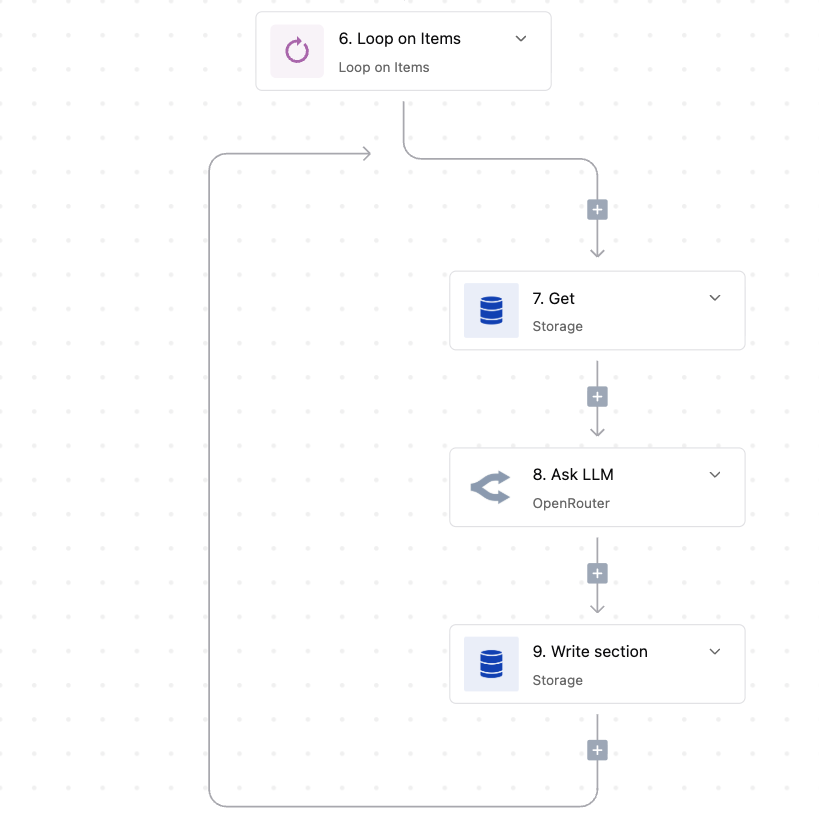
Activepieces connects spreadsheet rows with external applications through event-based triggers and actions. Users configure workflows that detect new rows or updates, transferring specific cell data into CRM systems, project boards, or databases without manual export processes.

Conditional Data Processing
The platform utilizes code steps and logical branching to format spreadsheet entries before processing. Builders define rules that validate cell contents, merge text fields, or calculate values, making sure only clean and structured information reaches downstream applications.

Human Approval Steps
Workflows incorporate manual review stages where specific spreadsheet data pauses for verification. Team members receive notifications to approve or reject row updates, allowing the automation to proceed only after a user validates the information within the interface.
FAQs About Automation for Spreadsheet-driven Teams
Can teams host Activepieces privately to protect sensitive spreadsheet data?

Yes, teams can self-host Activepieces on private infrastructure, making sure sensitive spreadsheet data stays within their controlled environment.
Does Activepieces offer internal storage for spreadsheet data?
Teams can log each handoff in a status column and sync updates to a shared dashboard that reflects live execution state.
How do teams collaborate on automation workflows?
Teams collaborate by co-owning workflow logic, reviewing changes, and tracking execution in shared spreadsheets with status columns and notes.
How does Activepieces use AI for spreadsheet data decisions?
Activepieces uses AI agents in workflows to interpret spreadsheet rows, apply rules, and route updates or approvals for decisions.
Read our blog for automation insights.






More Resources


